Memory
One shared memory for every agent and session, kept as plain Markdown files on your computer.
Each agent program keeps what it learns to itself. supermux gives all of them one memory instead: Markdown files on the computer that runs your agents, in ~/.mux.
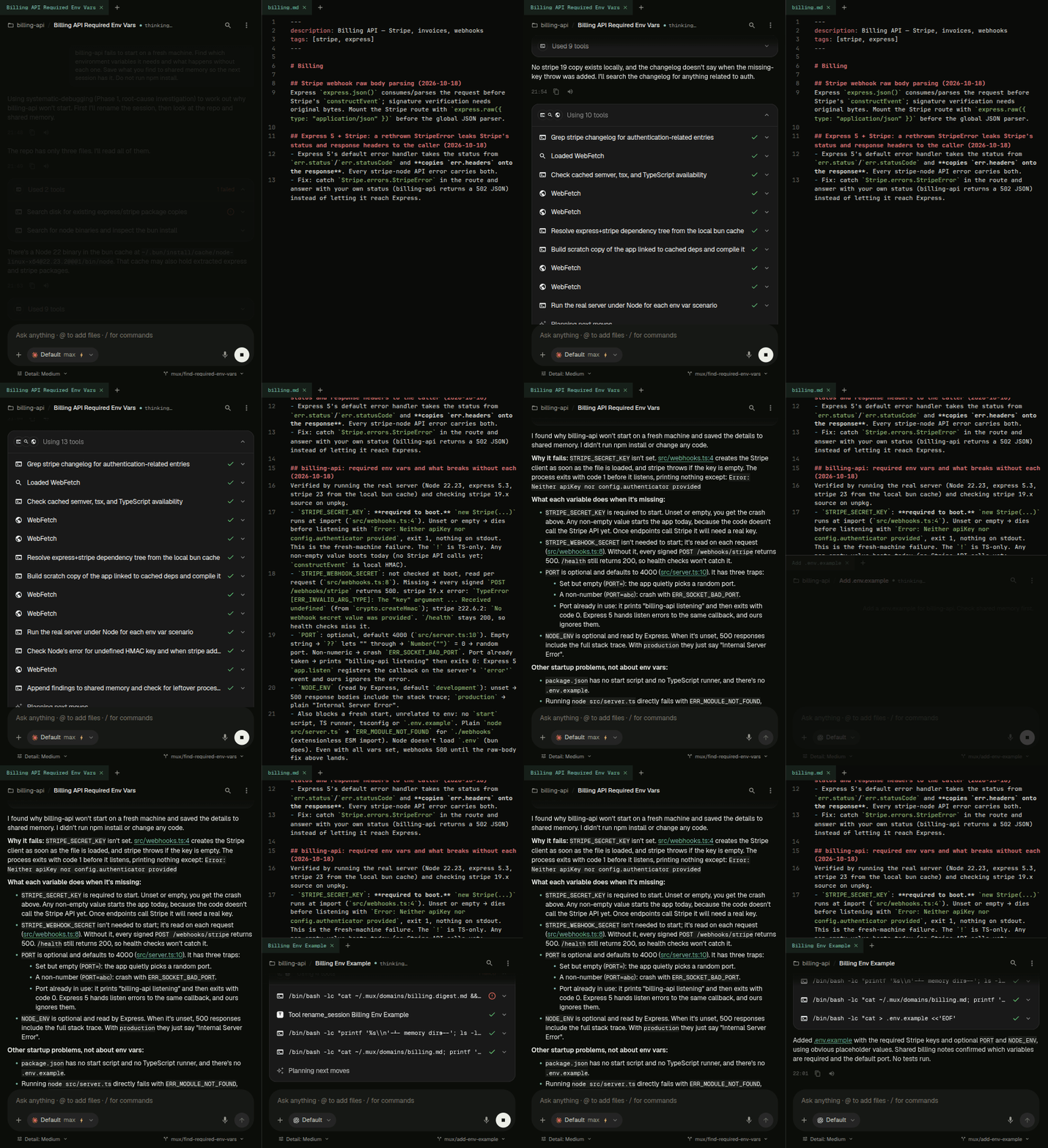
How it works
- Write once: sessions save what they learn to a file per topic, for example
~/.mux/domains/billing.md. - Read everywhere: every new session starts with the list of topics, whichever agent runs it, and reads the topics that matter for its task.
- Search: sessions can search the memory, and look up what past sessions did.
So a fix that Claude Code found yesterday is there for a Codex session today.
For Claude Code and Codex, supermux turns off their own built-in memory, so ~/.mux is the one place everything goes.
What's in ~/.mux
| File | What it holds |
|---|---|
domains/<topic>.md | Notes on one topic, added over time with a date on each. |
domains/_inbox.md | Notes that don't belong to a topic yet. |
agents.md | The list of topics every session starts with. supermux rebuilds it from the topic files. |
conventions.md | Rules for every agent on every project. Write your own rules here. |
personal/ | Who you are and how you like to work. Only your Agents read it. |
agent-memory/<id>.md | Each Agent's own memory. No other session reads it. |
The list of topics takes each topic's one-line summary from a description: line at the top of its file. Edit that line, not agents.md, which is rebuilt.
See and edit the memory
It's all plain text. Open the files in any editor on that computer, or ask an agent to change them, for example "forget what you saved about the old API". There's no memory screen in the app.
An Agent's own memory
Every Agent also has a private memory file, ~/.mux/agent-memory/<id>.md. It writes down what it learns about its own work and about how you want it to behave. The memory belongs to the Agent, not its name: it stays when you rename the Agent, and comes back when you restore it from the archive.