Introduction
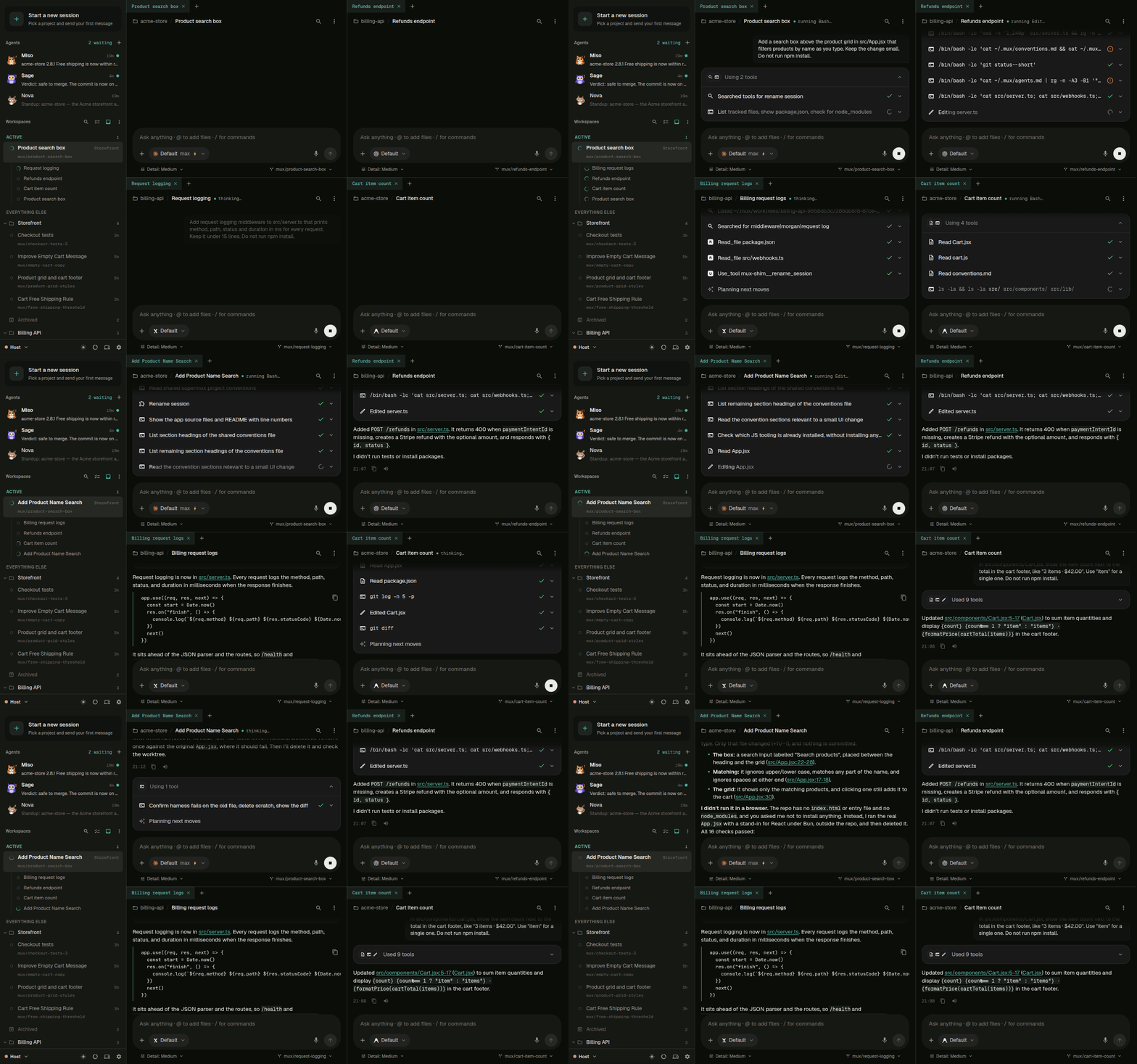
supermux runs Claude Code, Codex, and other coding agents on your own computer or server, many sessions at once, and lets you work with them from your desktop or phone.
supermux is the open-source workspace for coding agents. It runs the agents you already use on a computer you own, as many sessions as you like, and lets you work with them from your desktop, your phone or a browser.
Why people use it
- Run many sessions at once: start as many agents as you need, each in its own git worktree, and get notified when one has something for you.
- Let agents run agents: ask one agent to hand work to others, put a question to several models at once, or keep an eye on your other sessions. See Orchestration.
- Share one memory: what one agent learns is there for the next, whichever agent runs it.
- Work from anywhere: the same workspace, with chat, a code editor, a terminal and your ports, on desktop, phone and browser.
- Keep going at a usage limit: add several accounts per agent, and let a session move to another one when it runs out.
- Use your own plans: supermux is free and open source (MIT), and runs on the subscriptions you already have. There's no supermux account.
How it fits together
- Your computer runs supermux and the agents. It can be your laptop, a desktop at home or a server. The app calls it a host.
- Your devices pair with it once, with a QR code. No accounts.
- Your code stays on that computer. Your agents talk to their own providers, as they would if you ran them yourself.
Away from home, your devices reach your computer through the supermux relay, or through your own VPN. See Reach your computer from anywhere.
Get started
Install on your computer
The desktop app for Mac, Windows and Linux.
Install on a server
One command for an always-on Linux box or Mac.
Pair your devices
Your phone, a browser, another computer.
Your first session
Pick a folder, choose an agent, send a message.
Building your own app on these agents? See supermux core, the library supermux runs on.